







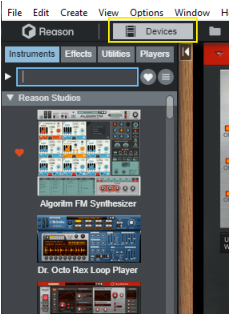
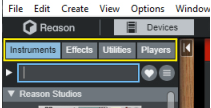
The devices are sorted on four different palettes in the Device Palette: Instruments, Effects, Utilities and Players. The Utilities palette contains device types such as mixers, modulation devices, etc. On each device type palette the devices are listed in the following sections: Reason Devices, and then by Rack Extension and/or VST manufacturer in alphabetical order. The Players palette is a little special; it contains a number of MIDI “generators” that can be used when recording Instrument tracks in the sequencer, see “Working with Players”.

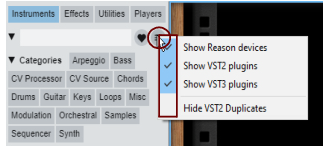
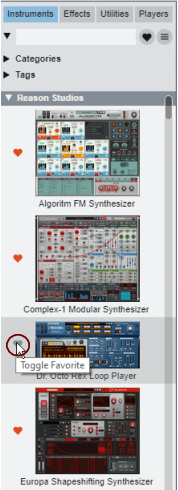
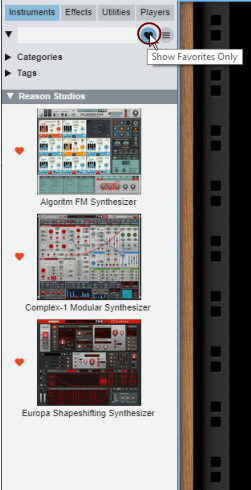
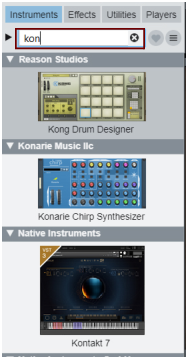
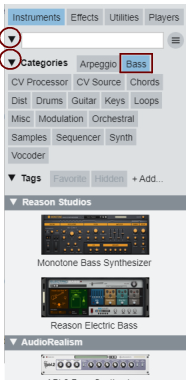
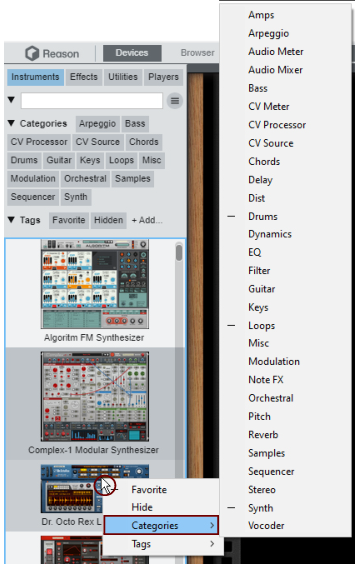
The text you type will also be matched against Device Categories and Tags, see “Filtering on Categories on the Device Palette” and “Assigning Tags to devices”.

|
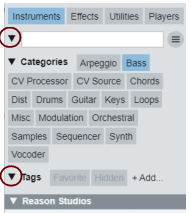
By default there are two fixed Tags: “Favorite” and “Hidden”, but you can also create your own tags.
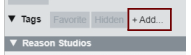
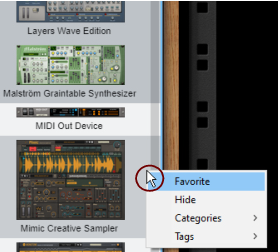
Typing into the text field will then match against device name, manufacturer name, category and tag.
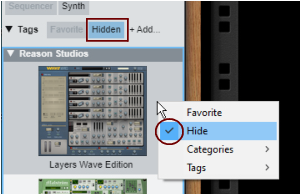
Devices can be created in a number of different ways. These first methods apply to any device types:
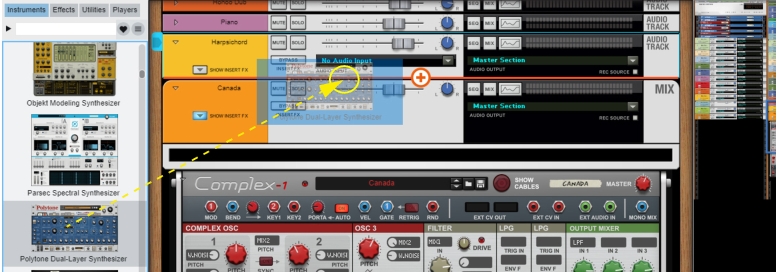
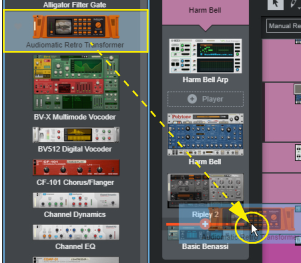
The menus give you the options to either create a device by selecting it from the submenus, or to create a device by browsing patches in the Browser. Selecting the top item in the menus (“Add Player...”/”Add Instrument...”/”Add Effect...”) will open the Browser, see “Creating a device by browsing patches”.


|
•
|
This will open Reason’s Browser. Here you can choose patches that will automatically create the corresponding device in the rack - see “About patch formats and sampler devices”.
The track, the Mix Channel device and its channel strip will be given the same name as the created Instrument device. Master Keyboard Input will also automatically be set to the new track, allowing you to immediately play the created Instrument device via MIDI (see “Master Keyboard Input”). By default, the Instrument device and Mix Channel device will be treated as a “Device Group” from here on (see “Creating devices”).
This will open the Browser. Here you can choose patches that will automatically create the corresponding Effect device in the rack - see “About patch formats and sampler devices”.
|
•
|
|
•
|
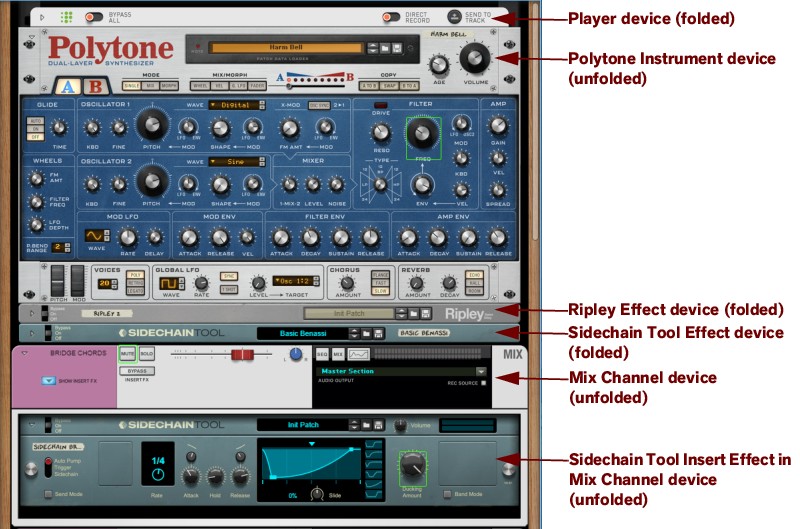
By default, when you create an Instrument device, a new (or currently unused) Mix Channel device will be automatically connected to the Instrument device, as described in “Creating devices”. In this situation, the Instrument device and the connected Mix Channel device will now be considered a Device Group - with the Instrument device as the Source device.
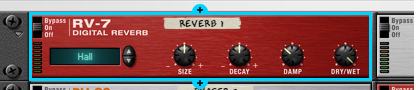
Some operations, such as cutting, copying, moving and deleting devices (see “Cut, Copy and Paste devices” and “Deleting devices”), require that you select one or several devices in the rack. This is done according to the following:



|
2.
|
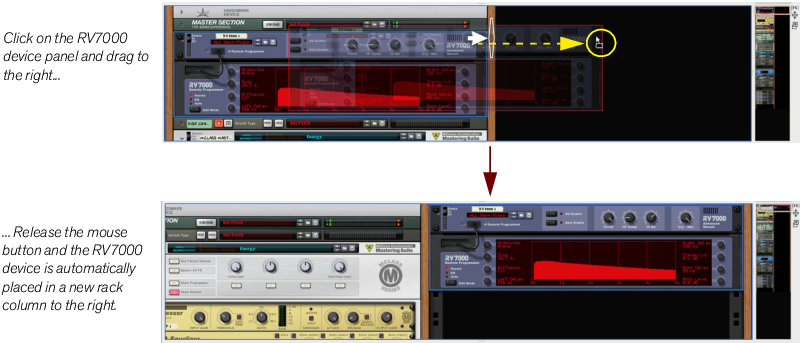
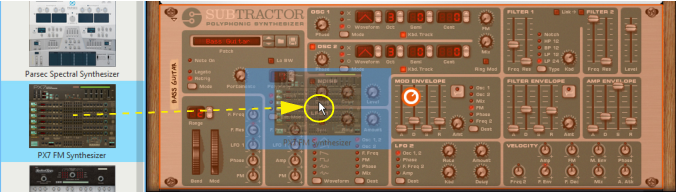
The new device is automatically routed like the previous device. The Mix Channel now also gets the name of the current patch in the new device. The new device also gets “browse focus” in the Browser, see “Loading patches”.

|
Alternatively, select the device(s) and select "Duplicate Devices and Tracks" from the context menu.
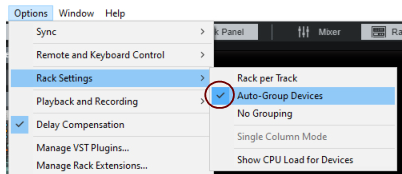
Selected devices or Device Groups can be moved or duplicated using the Cut, Copy and Paste Device functions on the Edit menu or device context menu. This allows you to copy one or several devices (such as an instrument device and all its “insert” effects) from one Reason Song document to another. Cutting/Copying and Pasting will have different results depending on the “Auto-group Devices and Tracks” setting on the Options menu (see “Creating devices”):
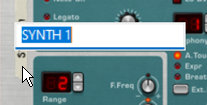
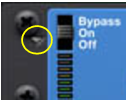
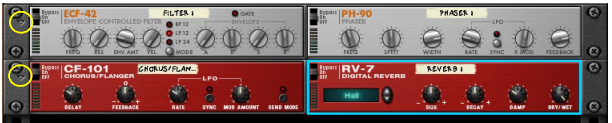

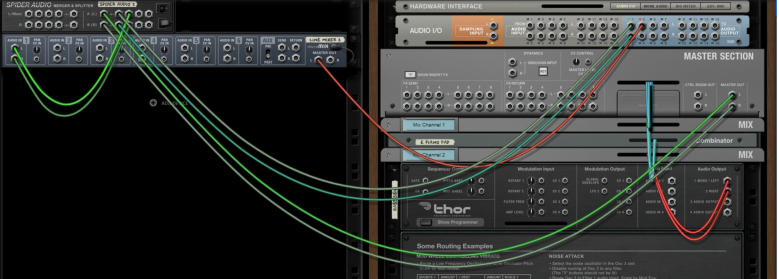
See “Manual routing” for information about routing cables between devices in the rack.