



|
•
|
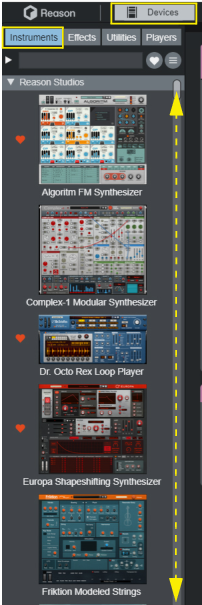
See “The Device Palette”, “About using the Device Palette when the Rack is in a separate window” and “Creating devices” for information on how to use the “Device Palette” functions.
|
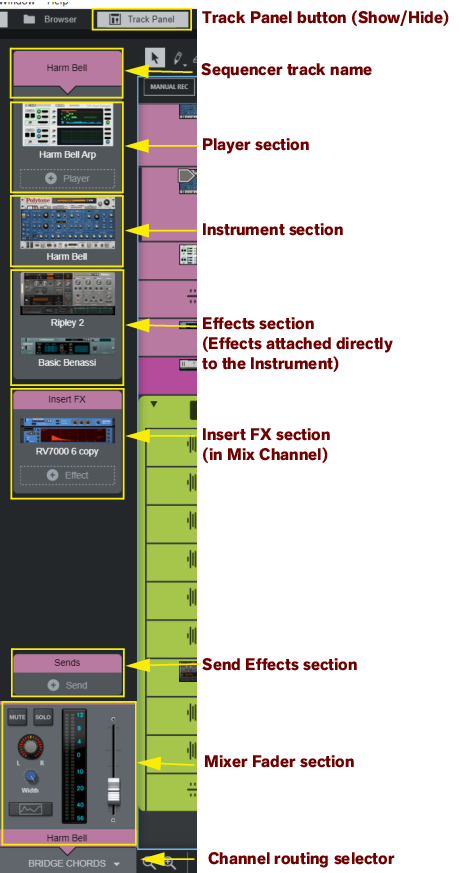
See “The Track Panel” for more details.
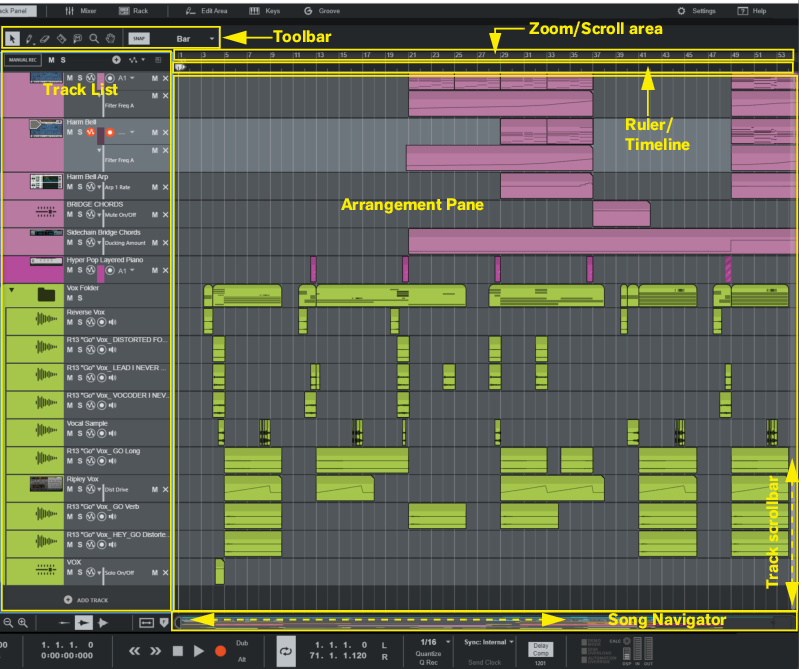
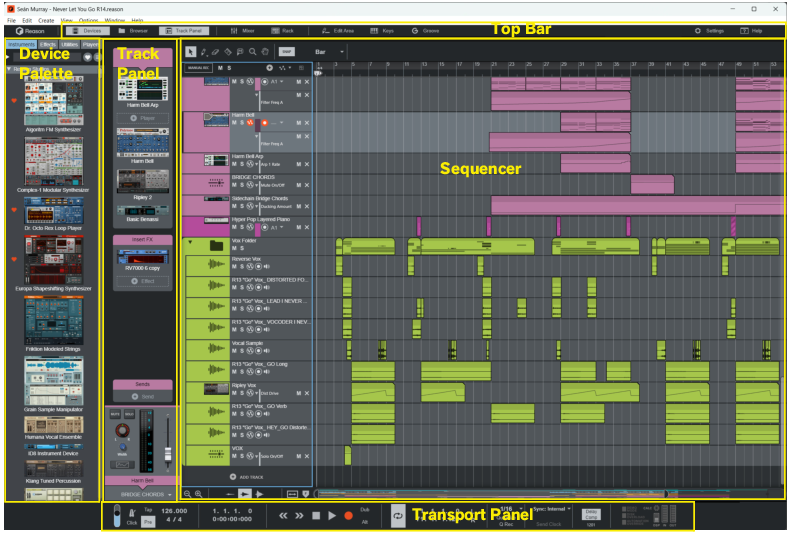
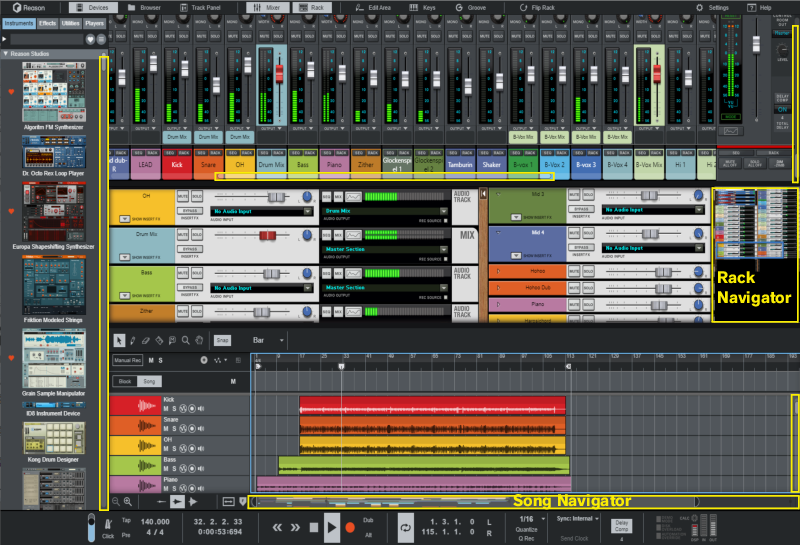
You can scroll in the Sequencer by using the Track scrollbar to the right and the Song Navigator at the bottom of the Sequencer - see “Scrolling” and “Zooming in the Sequencer”.



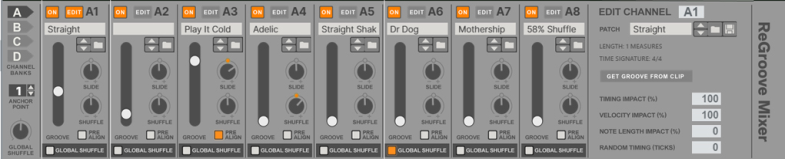

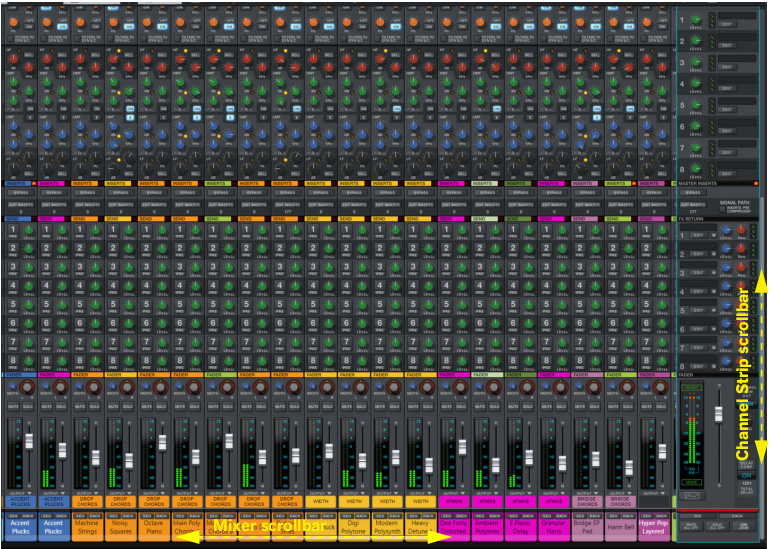


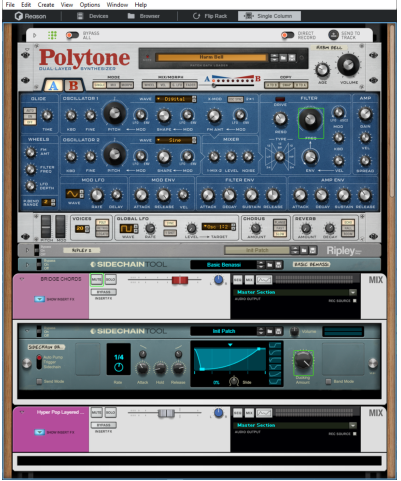

Please also see the “Rack per Track mode” for information about the “Rack per Track” mode.
|
•
|
When the Rack is in “Rack per Track” mode (see “Rack per Track mode”), you typically navigate by selecting tracks in the Sequencer track list.
|
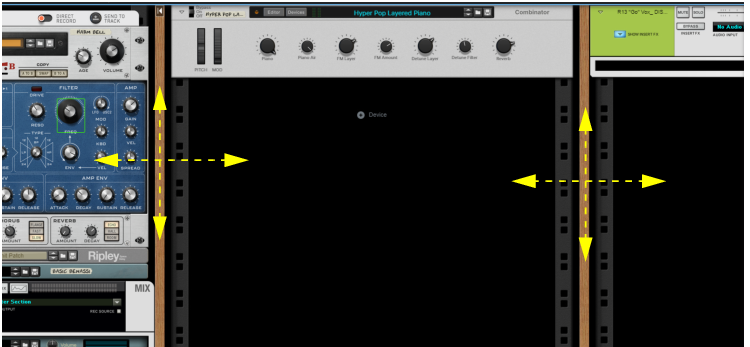
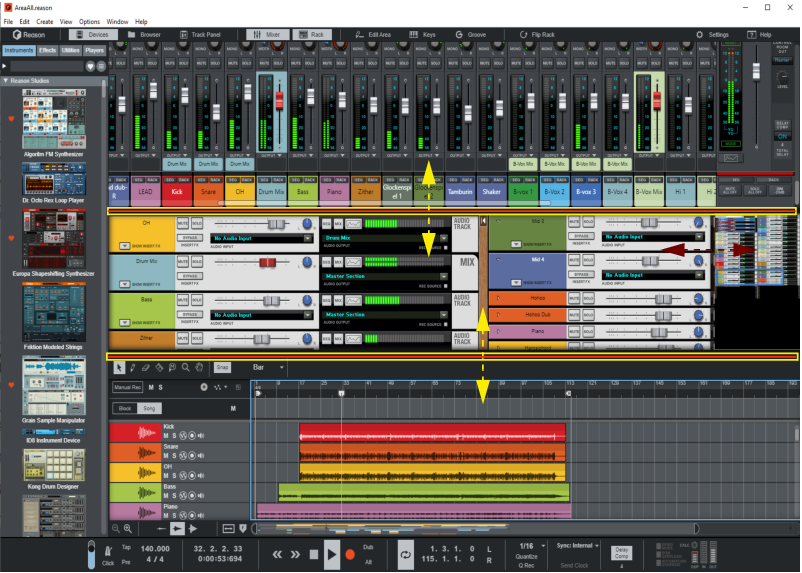
Then you can navigate by scrolling vertically or horizontally with a track pad or scroll wheel, by clicking the wooden frames and dragging in any direction or by using the Rack Navigator (see “Scrolling with the scrollbars and Navigators”).
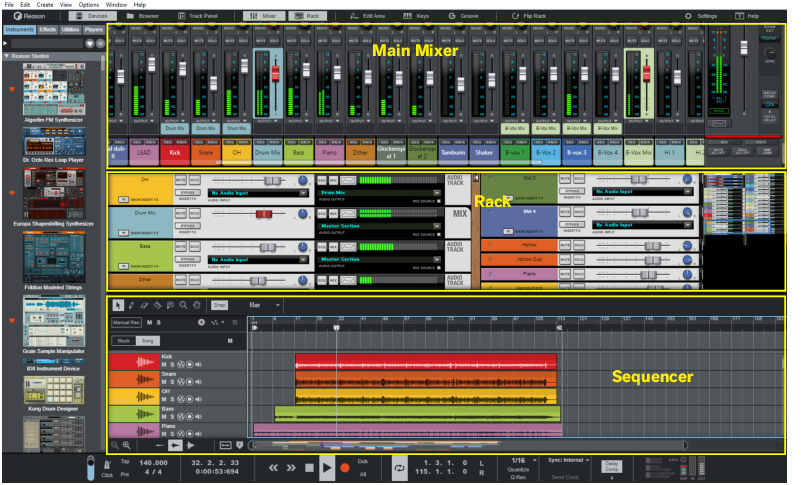
If “Show Rack in Separate Window” is on, the Rack will open in a floating window, on top of the document window. This is especially useful when you're working in Rack per Track and Single Column mode (see “Rack per Track mode”, since the Rack window is narrow enough to sit on one side of the screen, letting you navigate between rack columns by clicking in the Sequencer track list. Close the Rack window to get back to the Sequencer. If you have more than one monitor, you can also move the Rack window to another screen, and leave it open.
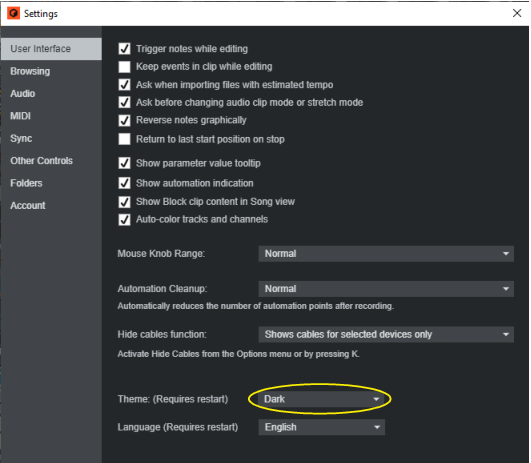
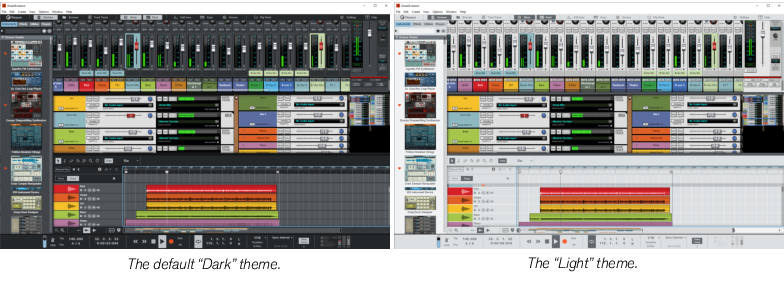

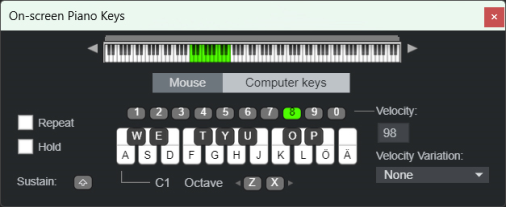
See “On-screen Piano Keys” for more information.
|
•
|
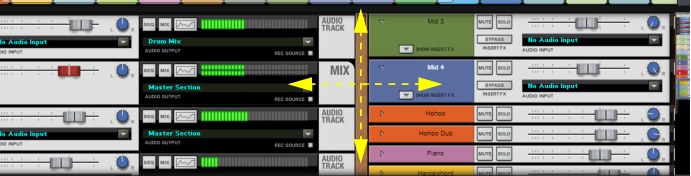
With the Hand Tool selected, you can scroll in any direction on the Edit/Arrangement Pane. Refer to “Hand Tool” for more information.
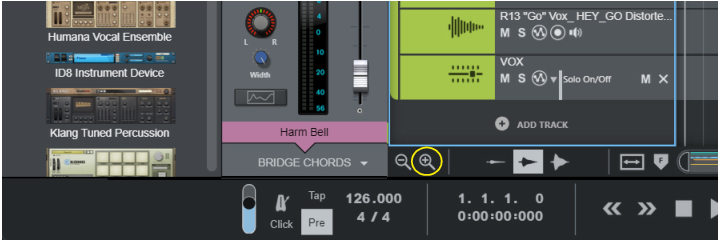
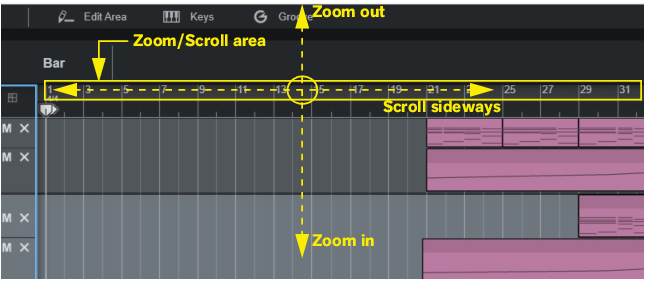
In the Sequencer it’s possible to zoom in and out horizontally using the Song Navigator. You can also use the Magnifying Glass Tool on the Sequencer Toolbar to zoom vertically - see “Magnifying Glass Tool”. In addition to this, it’s also possible to set a zoom level for the audio recordings inside the Audio Clips.
|
•
|


|
•
|


|
•
|