

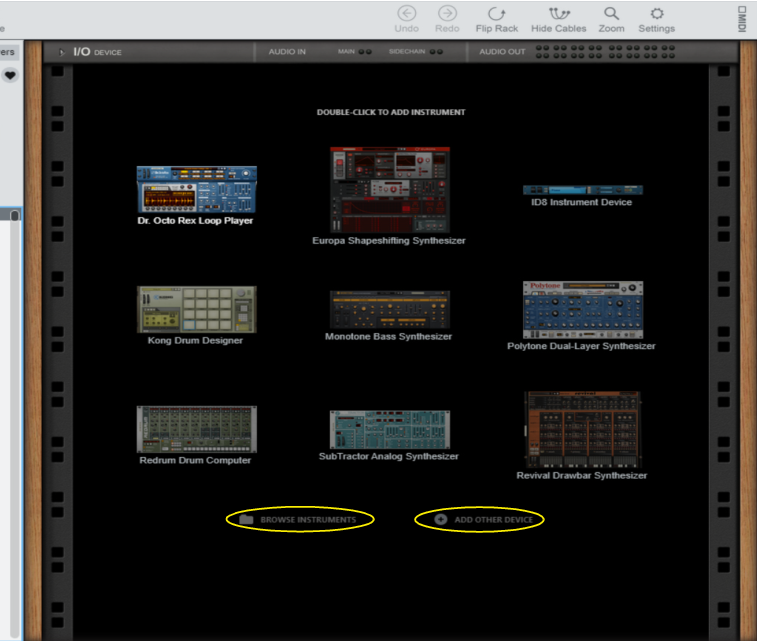
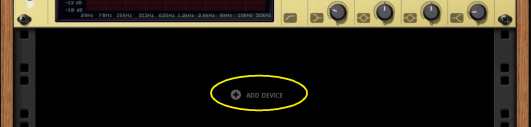
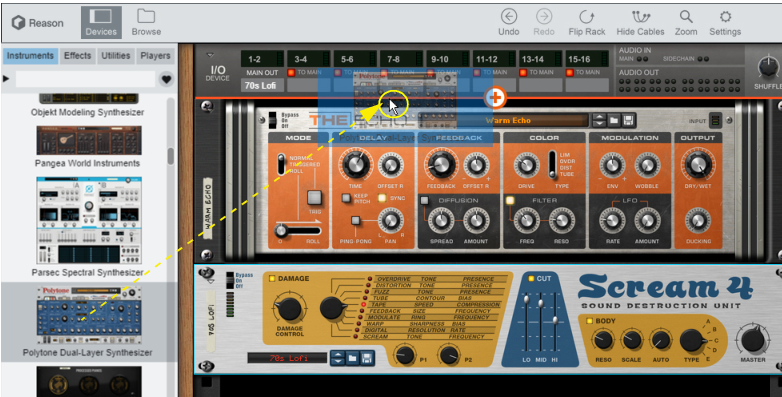

The menus give you the options to either create a device by selecting it from the submenus, or to create a device by browsing patches in the Browser. Selecting the top item in the menus (“Add Player...”/”Add Instrument...”/”Add Effect...”) will open the Browser, see “Creating a device by browsing patches”.


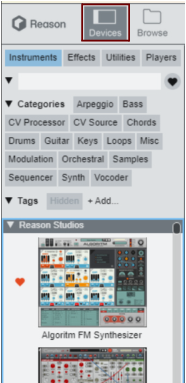
The devices are sorted in four different groups in the Device Palette: Instruments, Effects, Utilities and Players. The Utilities group contains device types such as mixers, modulation devices, etc. In each device type group the devices are listed in the following sections: Reason Devices, and then by Rack Extension manufacturer in alphabetical order. The Players group is a little special; it contains a number of MIDI “generators” that can be used when recording Instrument tracks in the sequencer, see “Working with Players”.
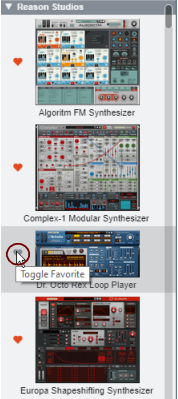
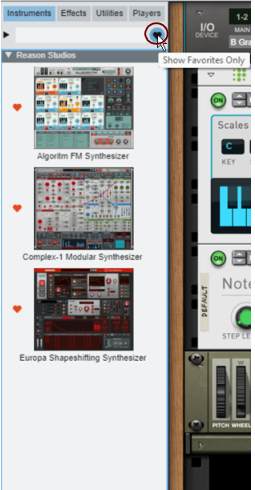
The text you type will also be matched against Device Categories and Tags, see “Filtering on Categories on the Device Palette” and “Assigning Tags to devices”.
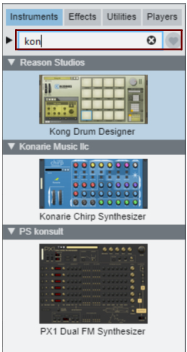
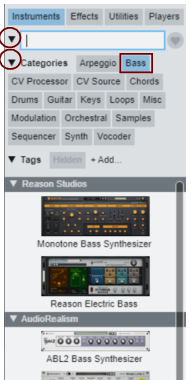

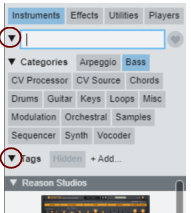
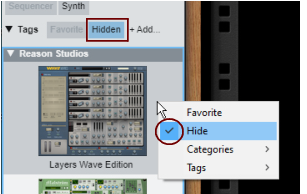
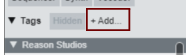
By default there are two fixed Tags: “Favorite” and “Hidden”, but you can also create your own tags.
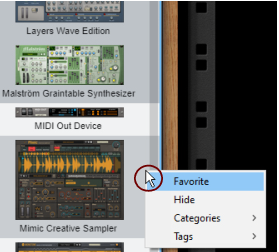
Typing into the text field will then match against device name, manufacturer name, category and tag.