



This control is hardwired to the corresponding Volume slider to the right of the Insert Effect section (see “Vol”).
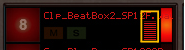
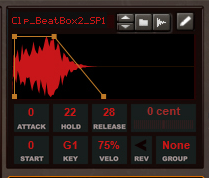
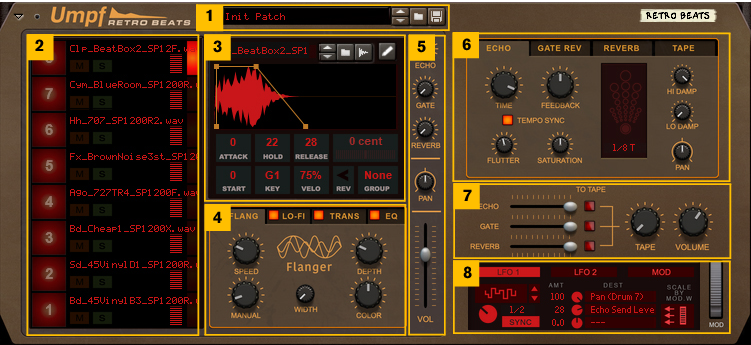
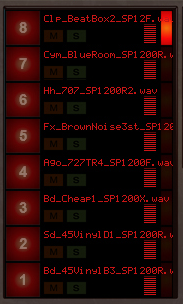
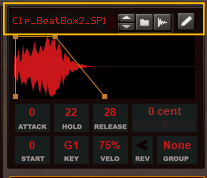
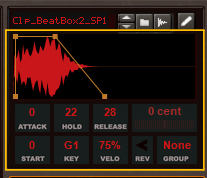
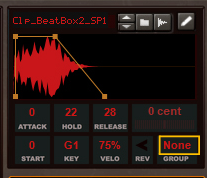
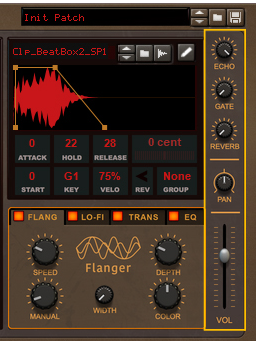
The Sample Playback section contains all sample related controls and parameters for the currently selected Drum Channel. The currently selected Drum Channel is indicated by the lit Drum Channel selection button (see “Selecting a Drum Channel”).


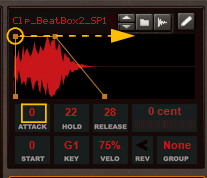
#Hold
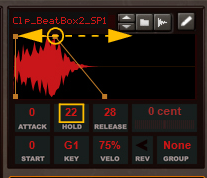
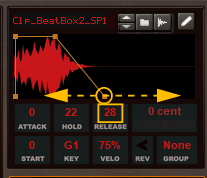
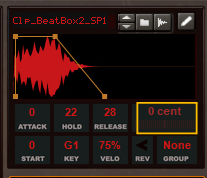
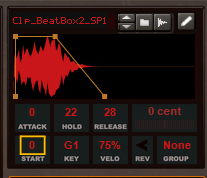
#Key
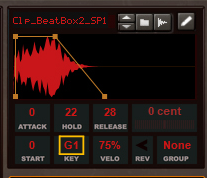
#Velo
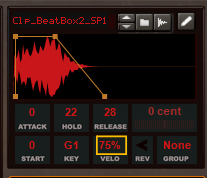
#Rev
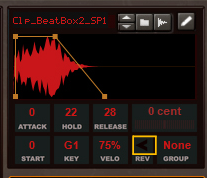

|
#Echo
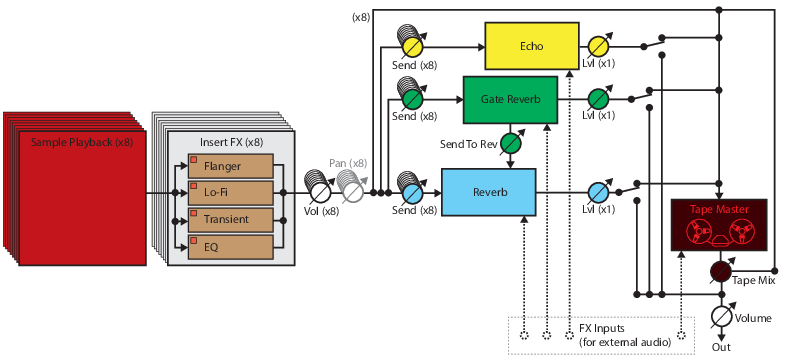
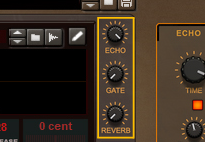
This works like a Send Effect level knob on a traditional mixer. See “Echo” for more information about the Echo send effect.
#Gate
This works like a Send Effect level knob on a traditional mixer. See “Gate Reverb” for more information about the Gate Reverb send effect.
This works like a Send Effect level knob on a traditional mixer. See “Reverb” for more information about the Reverb send effect.
#Pan
#Vol
|
|
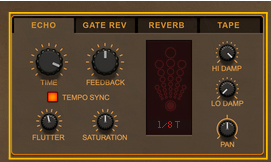
#Echo
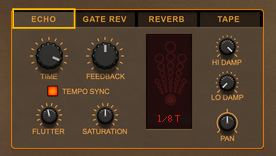
#Time
#Pan

|
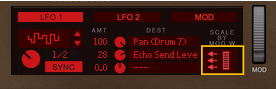
Modulate the Pan from an LFO in the “The Modulation Matrix section” for auto-pan effects.
|
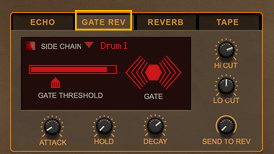
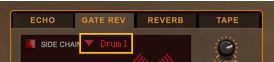
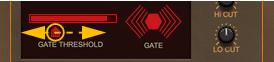
#Hold
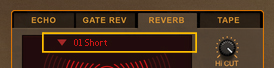
Here you can choose to tap the gated reverb signal straight to the Reverb effect (see “Reverb” below). This can be very useful for adding some natural ambience to the gated reverb.
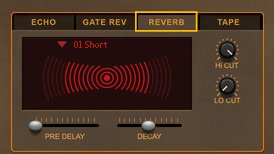
|
•
|
|
•
|
|
•
|
|
•
|
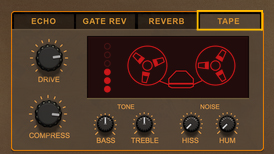
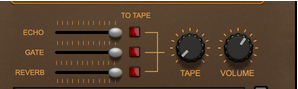
The Tape Master insert effect simulates an analog reel-to-reel tape recorder, with all the pros and cons that formed the characteristic “tape” sound back in the days. The Tape Master “level” is controlled from the Tape Master Mix knob in the Mixer section - see “Tape”.
#Bass
#Hiss
#Hum
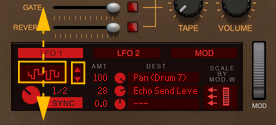
#Rate
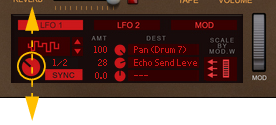
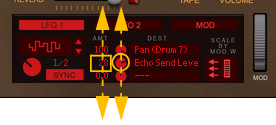
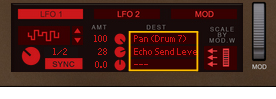
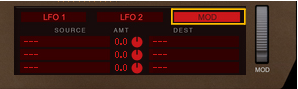
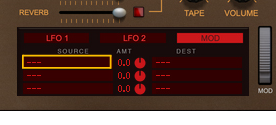
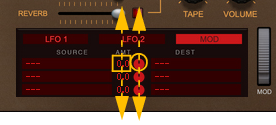
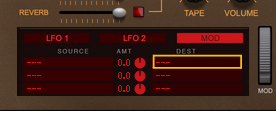
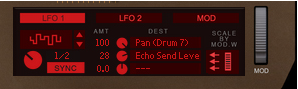
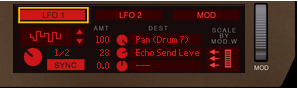
Please, refer to the “Modulation Matrix Destination parameters.” list for a complete list of assignable Destination Parameters.
#MOD