


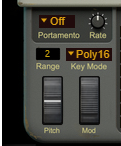
The Pitch bend wheel can be used for bending note pitches up and down. Objekt also responds to Pitch Bend MIDI data from a connected MIDI master keyboard. You set the desired Pitch bend Range with the “Range” control above the Pitch bend wheel.
#Mod
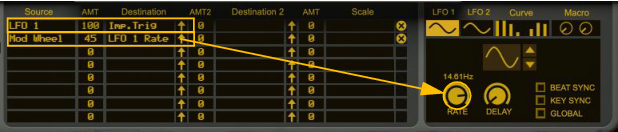
The Mod wheel can be used for controlling almost any parameter in Objekt. Use the Mod wheel as a Source parameter in the Modulation Matrix section and then route to the desired Destination parameter(s), see “Modulation Matrix”.

|
Set the desired Pitch Bend range for the “Pitch” wheel by dragging up/down in the display.
|
|
| Key Mode
|
|

|
See “Portamento” below for details on how the different Key Modes are affected by the Portamento mode.
See more about when to use the Mono setting in “External Audio In”.
See more about when to use the Mono setting in “External Audio In”.
|
| Key Mode
|
||
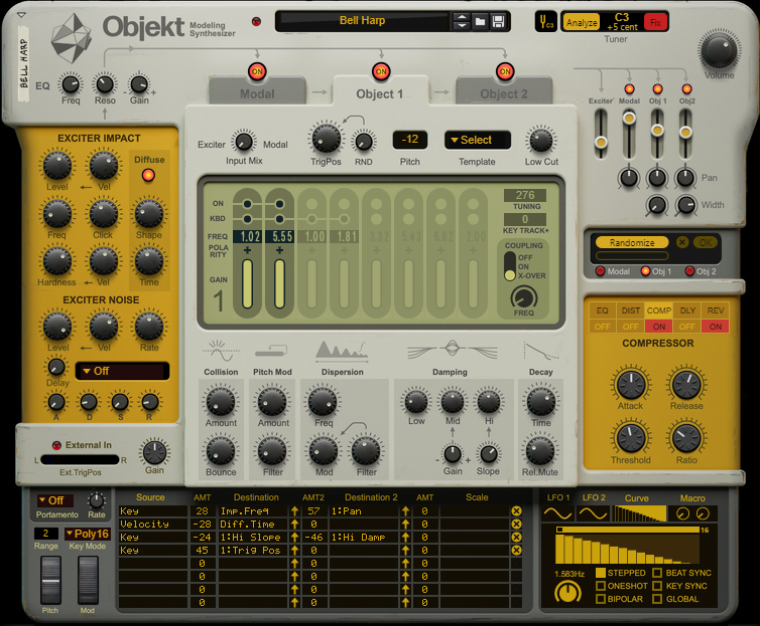
Objekt comes with a large number of patches. Quite often the best way is to browse through these patches, choose one that you like and then start changing parameters to turn it into something else. This is also the best way to learn how the modules and settings work. There is also a very useful Randomizer which can randomize parameters in the various Objekt sections to achieve really interesting results, see “Randomizer”.



#Rate
|
•
|
|
•
|
|
•
|

|
•
|



|
•
|


|
|
•
|

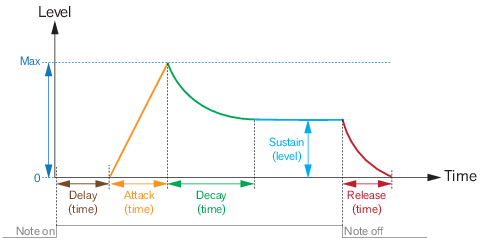
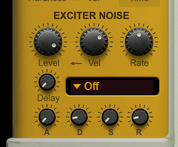
This is a five-stage ADSR envelope with Delay for the noise signal. The envelope can be used as a modulation source in the Mod Matrix. It can also be used as a modulation destination (to be triggered) in the Mod Matrix (see “Modulation Matrix”).
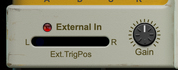
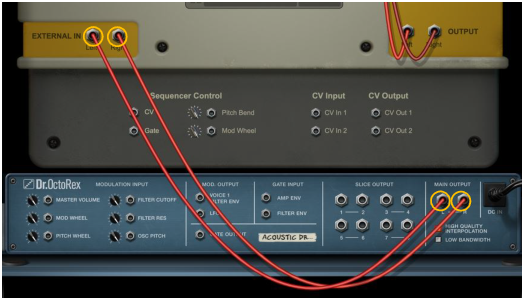
On the rear panel of Objekt is a stereo input for external audio, which can be used as Exciter signal (see “External In”). The external signal can be used alone or in combination with the Exciter Impulse and Exciter Noise signals.
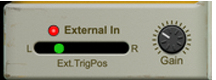
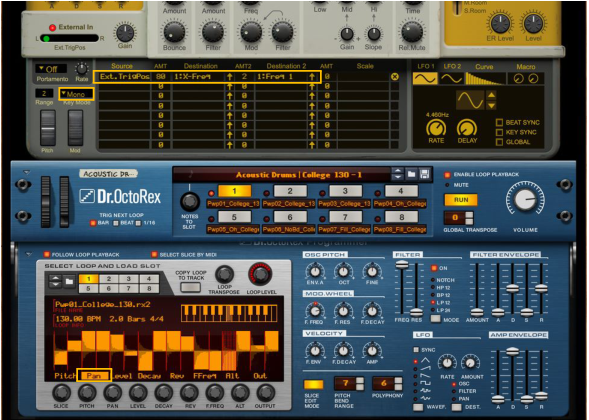
This value ("Ext Trig Pos") is available as a source in the Modulation Matrix (see “Modulation Matrix”), which means you can make the sound change depending on the stereo position of the external input signal.
|
•
|
|
|
See “Using the External In to create effects with variations” for a practical example.
|
#Gain
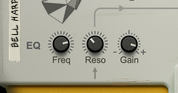
Above the Exciter Impulse section is a single-band parametric equalizer for the combined Exciter Impulse, Exciter Noise and External signals. The Exciter EQ works per voice and can also be modulated from the “Modulation Matrix”.
|
|
Note that using the Exciter EQ is different from using the EQ in the Effects section (see “EQ”), especially if you are using nonlinear modulations, such as Pitch Mod, Dispersion Mod and Collision in the “Object 1/2 sections”.
|
#Freq
#Reso
#Gain
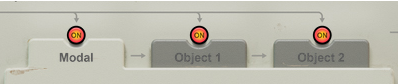


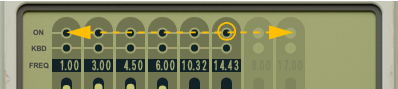
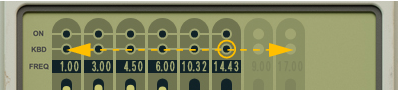
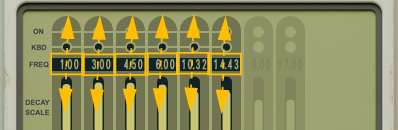
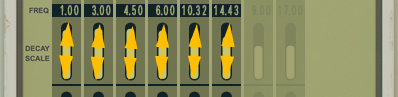
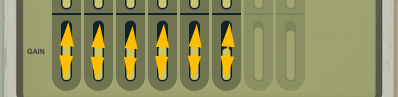
You can also click an ON button and drag left/right to hear the result of removing or adding stages:
#Freq
#Gain
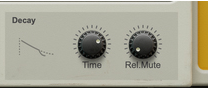
The Decay section sets the overall decay and release times of the filter band tones, as set with the individual Decay Scale parameters in the Modal section display (see “Decay Scale” above).

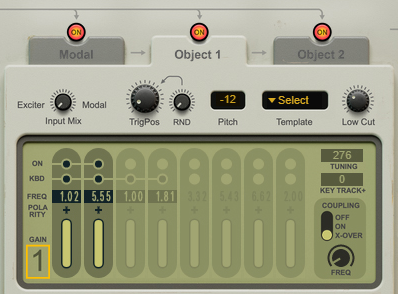

The two Object sections have identical parameter configurations, except for the “Input Mix” sources.
The Pitch parameter transposes all parameters that affect the pitch of the sound, for example when you play the keyboard. In order for the transposition to work correctly the Pitch parameter should be set to 0 when you play the note C3. A patch that is tuned to C3 should have the Pitch set to 0. If the patch is tuned to C2, the Pitch should be set to -12. Otherwise there will be problems, especially if you have high Dispersion values (see “Dispersion”).
You can also click an ON button and drag left/right to hear the result of removing or adding stages:

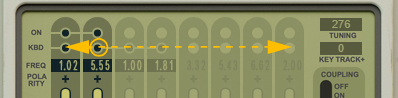
#Freq
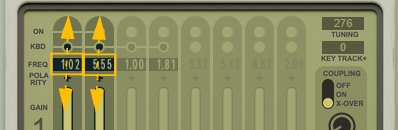
|
|

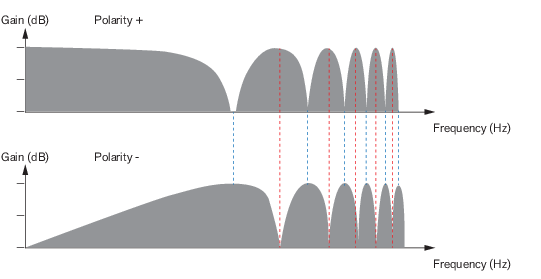
#Gain
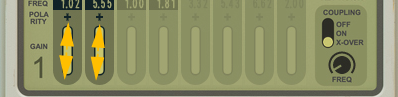
The unit here is cents (1/100ths of a semitone) but again, this may not exactly translate to the changes in actual pitch. This setting will be affected when the automatic Tuner function is used, see “Tuner”:
Range: +/- 24 semitones in steps of 1/100th of a semitone.
Range: +/- 24 semitones in steps of 1/100th of a semitone.
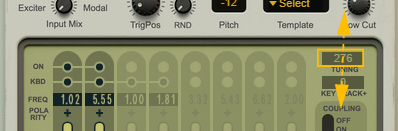
In the example below we use the Bass Guitar 1 patch from the Bass folder in the Objekt sound library and look at the Object 2 section. Delay stage 1 and 2 have KBD tracking on and delay stage 3 has KBD tracking off - but a high FREQ setting (the 30th harmonic). “Coupling” (see below) is also on, which makes the delay stages interact with each other and affect the pitch:
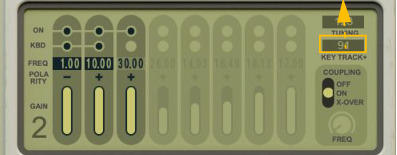
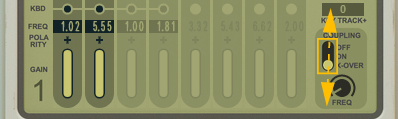
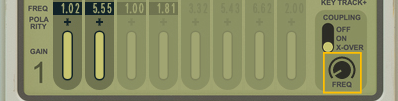
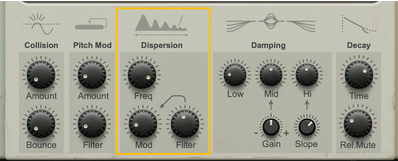
The lower the Freq setting, the more pronounced this effect, causing inharmonic, metallic sounds. This also changes the basic pitch of the sound, which might require using the Tuner function (see “Tuner”).
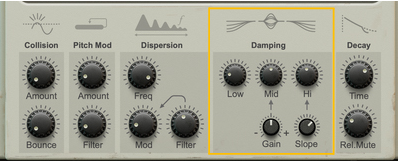
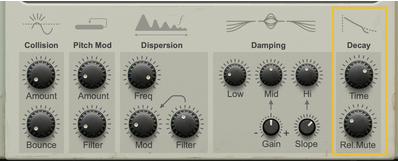
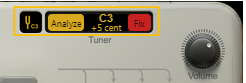
First of all, try tuning one section at a time, by turning off the other sections. If the Tuner should show too low a pitch, try removing some bass in the “Exciter EQ”.
|
|
|
|
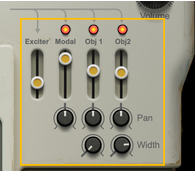
Note that the Exciter section cannot be deactivated (but you can turn its level down with the fader).
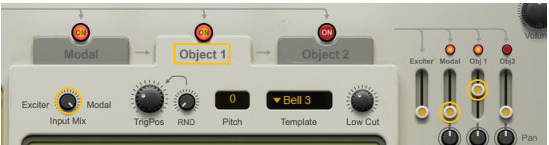
The on/off state is also reflected by the LEDs in the Modal/Object sections selectors, see “Modal/Object sections selectors”.
The on/off state is also reflected by the LEDs in the Modal/Object sections selectors, see “Modal/Object sections selectors”.
|
|
Note that the Mix Level controls work per voice. so you could route per-voice modulation sources like Velocity etc. to them in the “Modulation Matrix” and mix different sections individually for each note.
|
#Pan
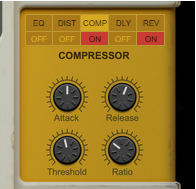
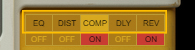
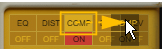
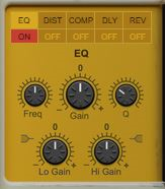
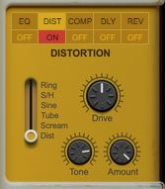
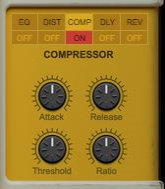
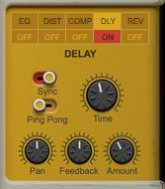
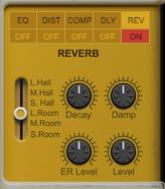
The Effects section features five different effect modules that can be freely reordered by dragging & dropping. Most of the effect parameters are also available as destinations in the Modulation Matrix, see “Modulation Matrix”.
#EQ
|
•
|
|
•
|
|
•
|
|
•
|
|
•
|
|
•
|
|
•
|
|
•
|
|
•
|
|
•
|
|
•
|
|
•
|
|
•
|
|
•
|
|
•
|
|
•
|
|
|
|
•
|
|
•
|
|
•
|
|
•
|
|
|
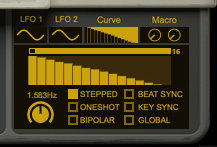
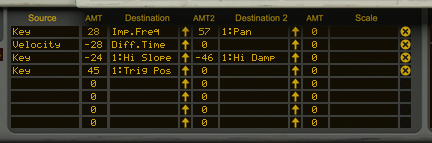
The Modulation section features two separate LFOs, a Curve generators and a Macro section for parameter modulation purposes. The modulators can be used as Sources and modulation Destinations can be freely assigned in the Modulation Matrix, see “Modulation Matrix”.
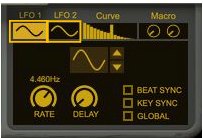
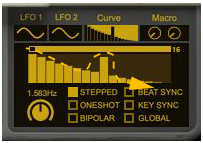
The LFO section features two separate general purpose LFOs, that can be assigned to control selectable parameter(s) in the Modulation Matrix, see “Modulation Matrix”.
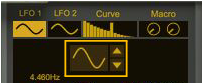
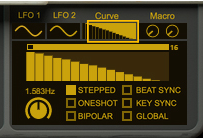
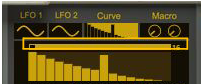
There is also a Curve generator available for modulating selectable parameter(s) in the Modulation Matrix, see “Modulation Matrix”. The Curve generator can serve as an additional LFO, a semi-step sequencer or even as an additional envelope.
|
•
|
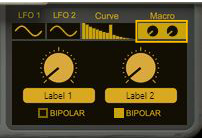
There is also a Macro section which lets you name and assign two separate knobs as Sources in the Modulation Matrix, see “Modulation Matrix”. You could then assign these knobs to controls on your MIDI Keyboard/Control Surface.
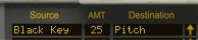 |
|||||
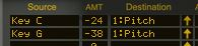 |
|||||
 |
|||||
|
|||||
 |
|||||
|
|||||
|
|||||

|
|
|
|||
|
|||
|
|||
|
|||
|
|||
|
|||
|
|||
|
|||
|
|||
|
| Modal >
|
|||
|
|||
|
|||
|
|||
|
|||
|
|||
|
|||
|
|||
|
|||
|
|||
|
|||
|
|||
|
|||
|
|||
|
|||

Here you can patch in external audio signals to be used in the Exciter section, see “External Audio In”.
Signals patched to the CV Inputs can be used as modulation Source signals via the Modulation Matrix (see “Modulation Matrix”). The CV Outputs can be used for controlling external devices that have CV inputs. The CV Outputs are available as modulation Destinations in the Modulation Matrix.

|
4.
|
|
|



|
•
|