


|
•
|
|
•
|
|
•
|




|
Set the desired Pitch Bend range for the “Pitch” wheel by dragging up/down in the display.
|
The Pitch bend wheel can be used for bending note pitches up and down. Friktion also responds to Pitch Bend MIDI data from a connected MIDI master keyboard. You set the desired Pitch bend Range with the “P. Range” control above the Pitch bend wheel.
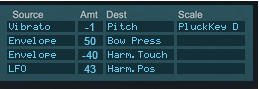
The Mod wheel can be used for controlling almost any parameter in Friktion. Use the Mod wheel as a Source parameter in the Modulation Matrix section and then route to the desired Destination parameter(s), see “Modulation Matrix”.
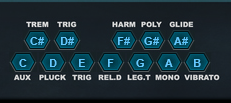
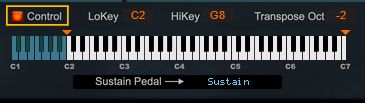
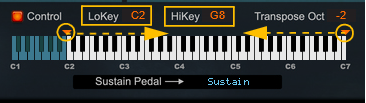
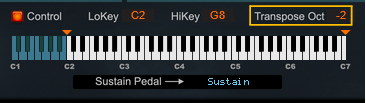
|
|
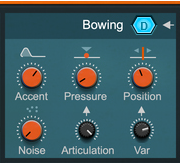
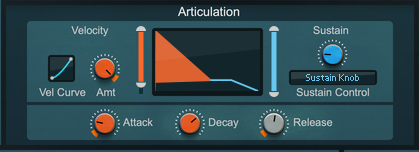
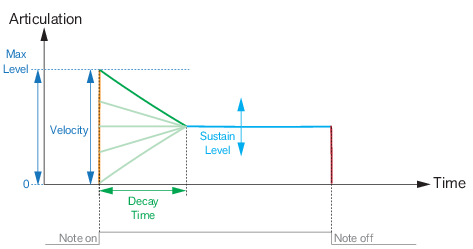
When this is turned up, low Articulation will result in low Bow Pressure, so that playing softly produces a darker, more flute-like sound. See “Articulation” for more details.

|
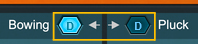
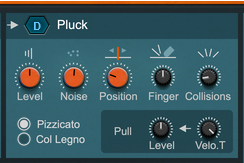
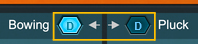
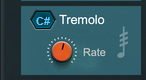
Note that many of the Articulation settings are closely related to Bowing (see “Bowing”) and thus don't apply in Pluck mode (except when Tremolo is on).
|


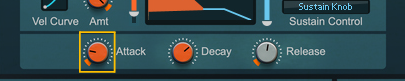
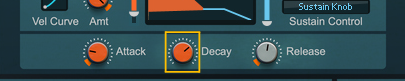
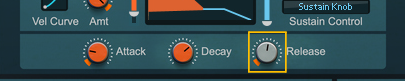
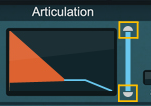
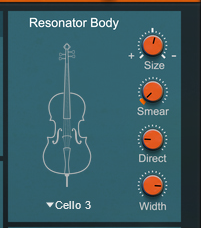


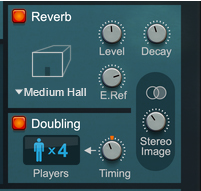
Evens out the frequency spectrum. This can make the sound more realistic when you're playing ensemble sounds (in Doubling mode, see “Reverb and Doubling”), since it emulates different players having slightly different instruments.
#EQ
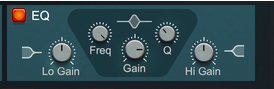
#Freq
#Q
#Gain
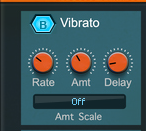
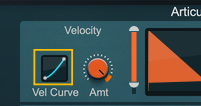
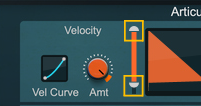
This also lets you control the Vibrato Amount (see “Vibrato Amount”) from Keyboard Velocity.
|
|
While vibrato often sounds natural on bowed notes, it may sound unusual if you switch to Pluck mode. It's possible to have vibrato automatically turn off when you press the Pluck key by using a routing in the “Modulation Matrix”. See the Violin Solo patch included with Friktion for an example of this.
|
Different notes (as well as different "players" when Doubling is on - see “Reverb and Doubling”) will have vibrato with randomly varying phase and speed.
|
|
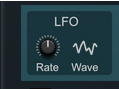
Vibrato can also act as a source in the “Modulation Matrix”, for modulating other parameters than pitch. In that case, the Amount parameter doesn't come into play, since the Mod Matrix has its own Amount column (Rate and Delay still apply though).
|
|
|
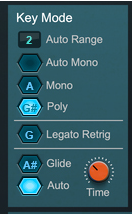
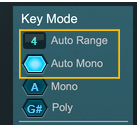
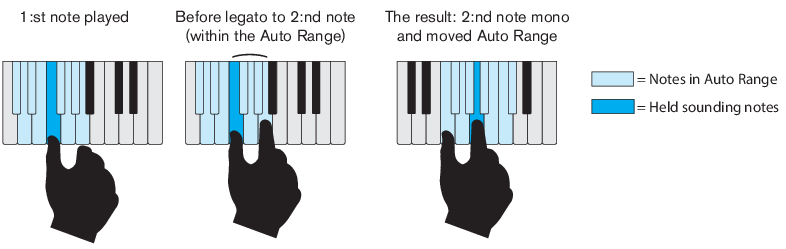
Friktion is polyphonic but notes played legato within the Auto Mono range will be monophonic. This allows for natural legato playing, with Auto Glide mode also affecting the result. See “Auto Range” for more details and examples.
|
•
|
|
•
|

#Time
#LFO
#Rate


|
2.
|