

|
•
|




|



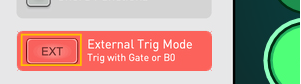
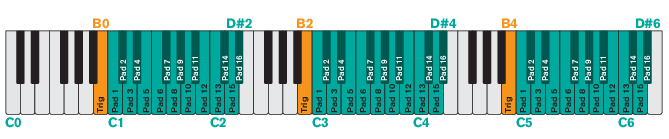
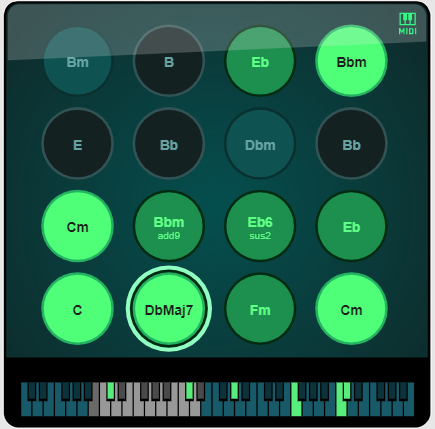
See “Playing back chords rhythmically using the B0/B2/B4 keys” for more details.

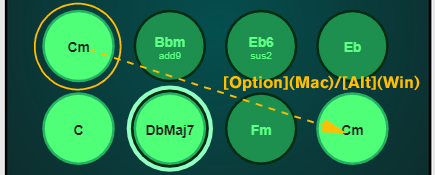
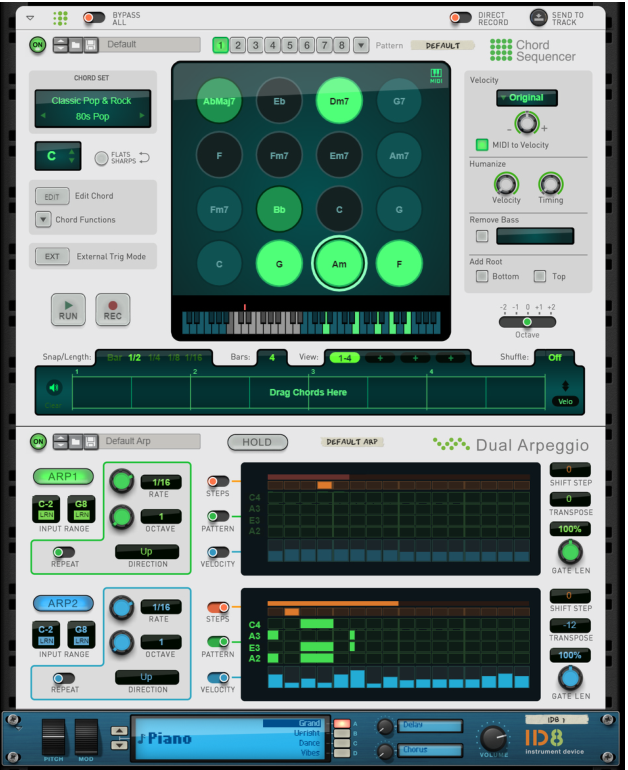
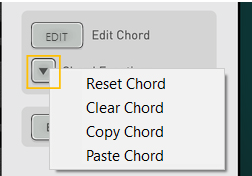
This creates a copy of the chord, which can then be edited if you want to create variations (see “Editing chords”).
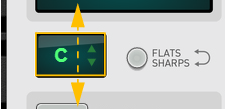
See “The Chord Functions” for details.

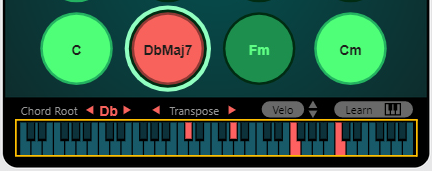
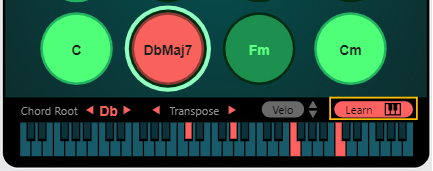
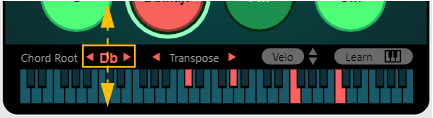
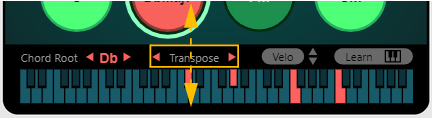
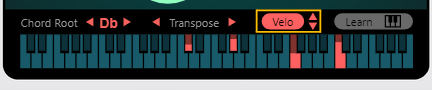
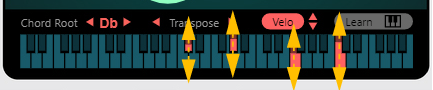
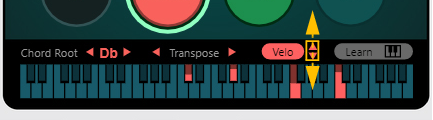


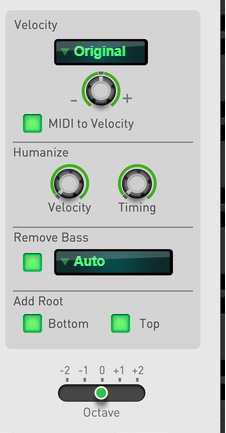
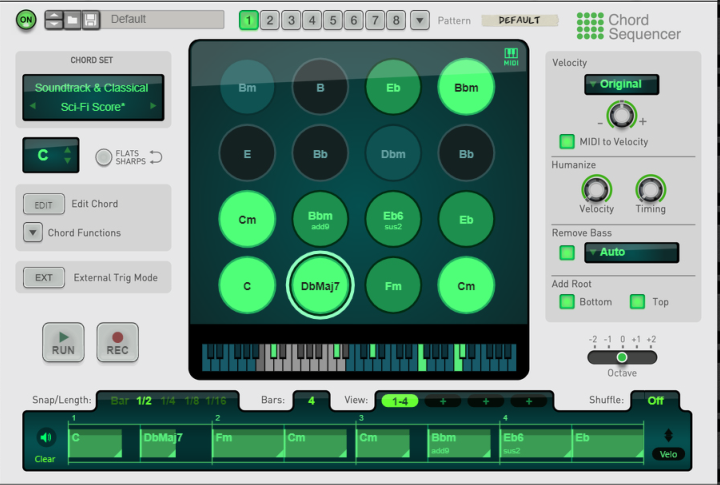
Velocity can either be Original (as stored in the chords) or Fixed (at a Velocity of 100). In both cases you can adjust it with the bipolar control below, and scale it by MIDI velocity if you trigger the chords with incoming MIDI notes. The Velocity setting affects any individual Velo settings you may have made proportionally (see “Editing chords”).
The Humanize controls introduce random variations to note velocity and timing, so that chords don't sound static when repeated. The Humanize setting affects any individual Velo settings you may have made proportionally (see “Editing chords”).
|
|


#Bars
#View


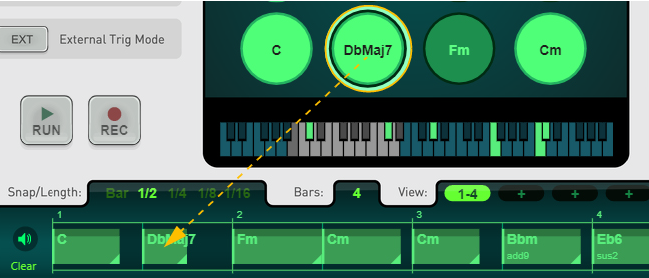
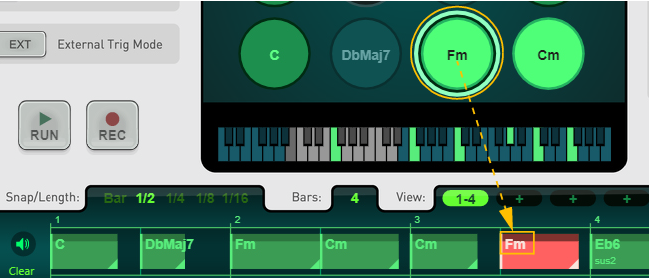
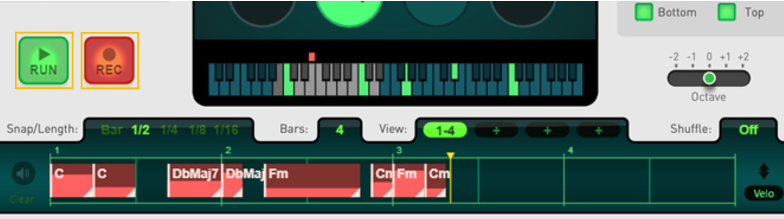
|
•
|








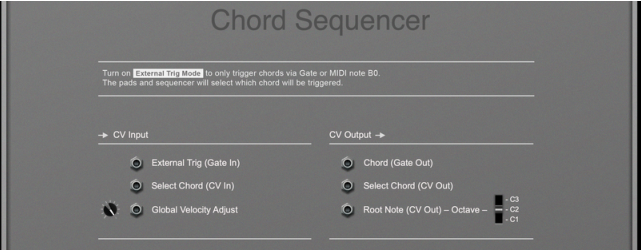
A Gate input here triggers the currently selected chord - useful for rhythmic effects. This is the same function as playing the B0/B2/B4 MIDI notes (see “Playing back a Chord Set from a MIDI keyboard” and “Playing back chords rhythmically using the B0/B2/B4 keys”).
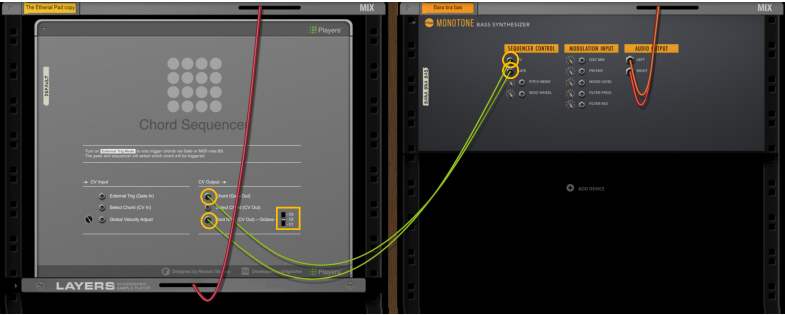
This outputs the root note of the currently selected chord, for connection to other devices (see “Controlling a bass synth from the Root Note CV Out and Chord Gate Out”). Select which octave you want to send to the connected device with the Octave switch.